 Ropomo
Ropomo
Rotten Pomodoro for AI-babysitting vibe coders
For people who babysit AI coding agents
The inverted Pomodoro for vibe coders.
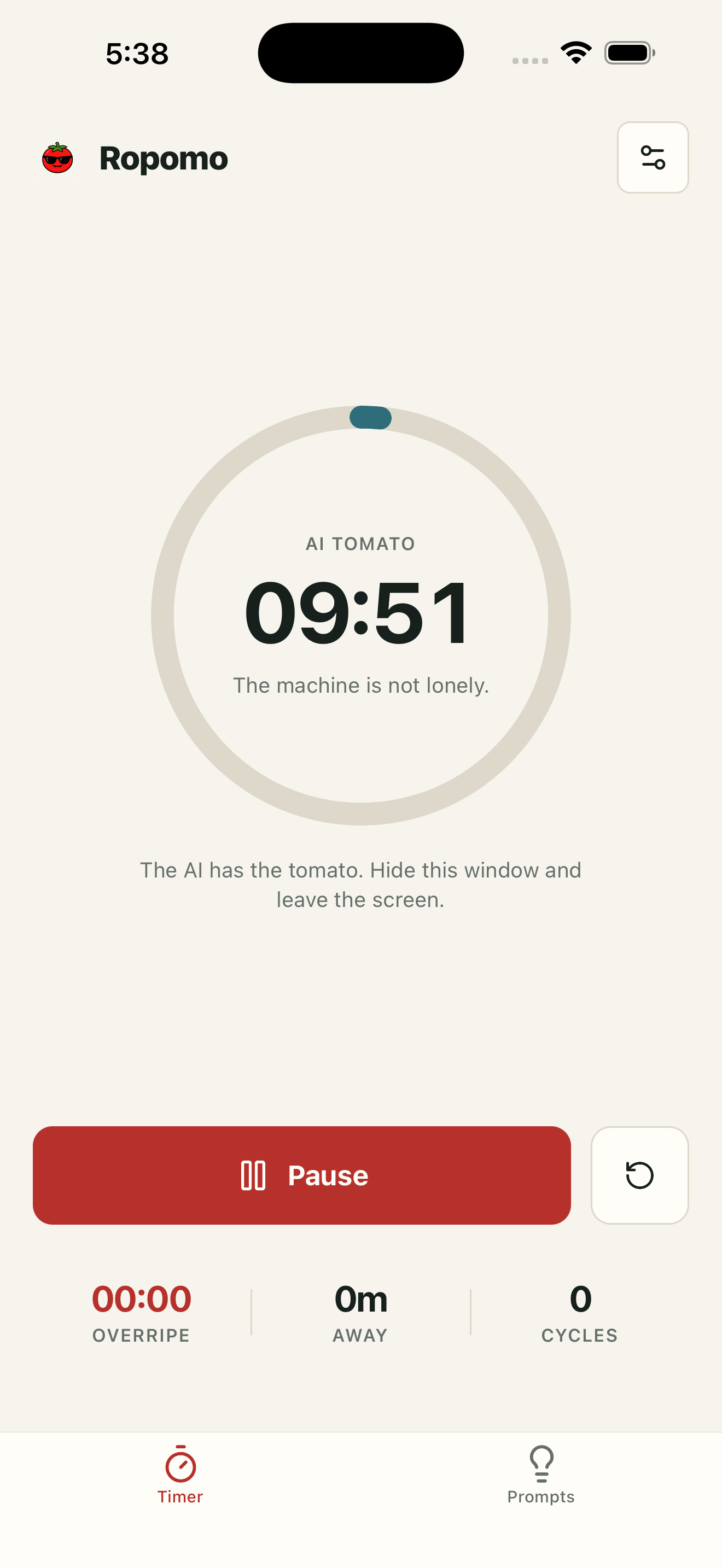
Start & leave
Claude Code cooks. You touch grass.
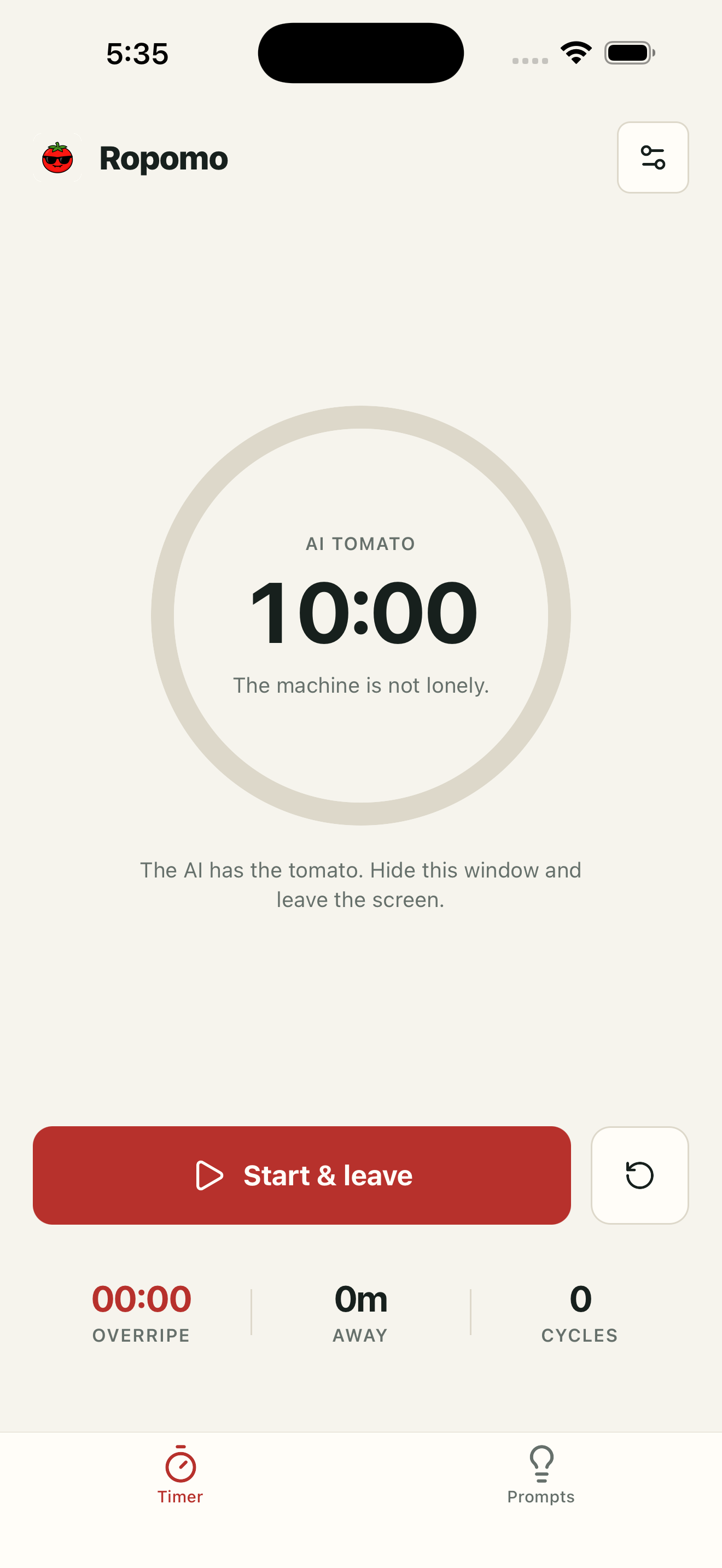
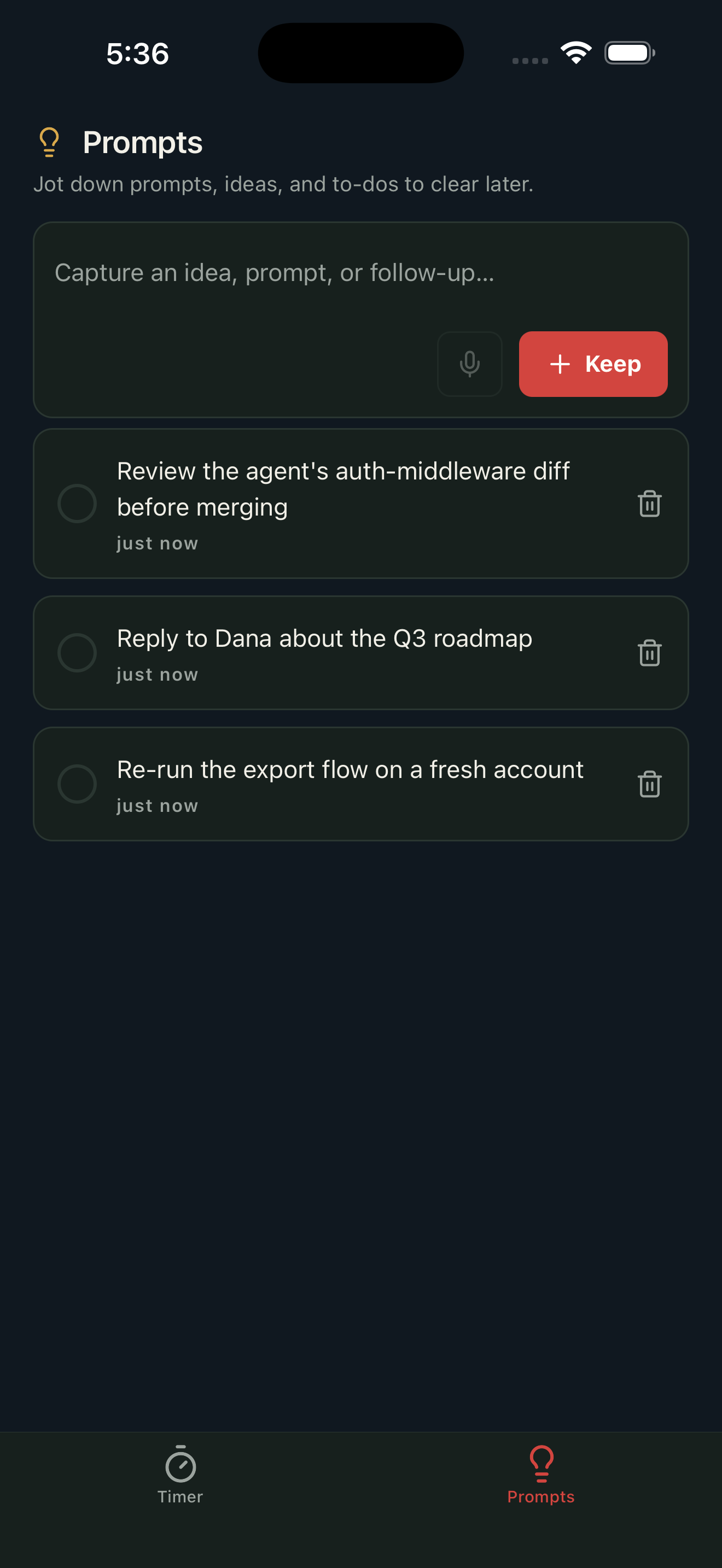
Capture & move on
Idea hits? Jot it and go — don't look back.
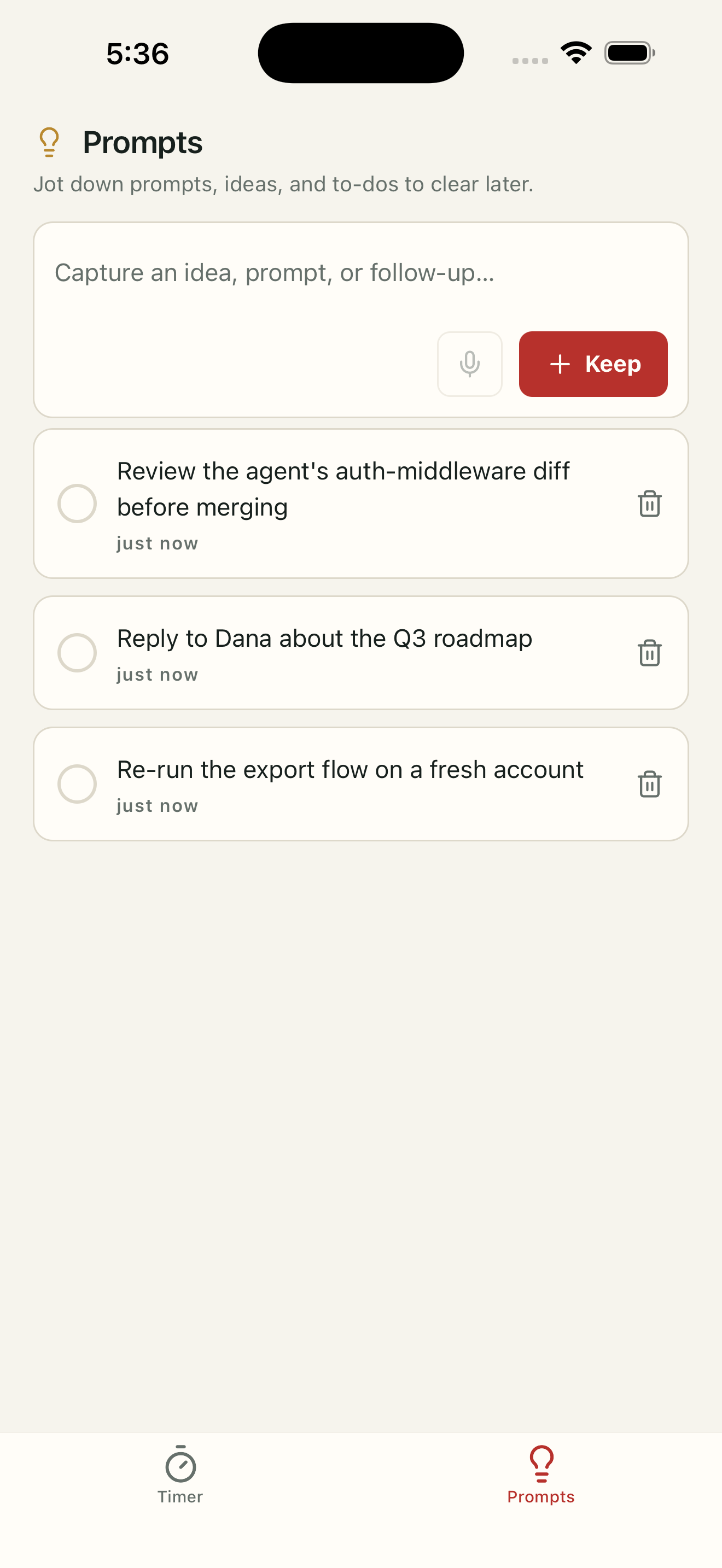
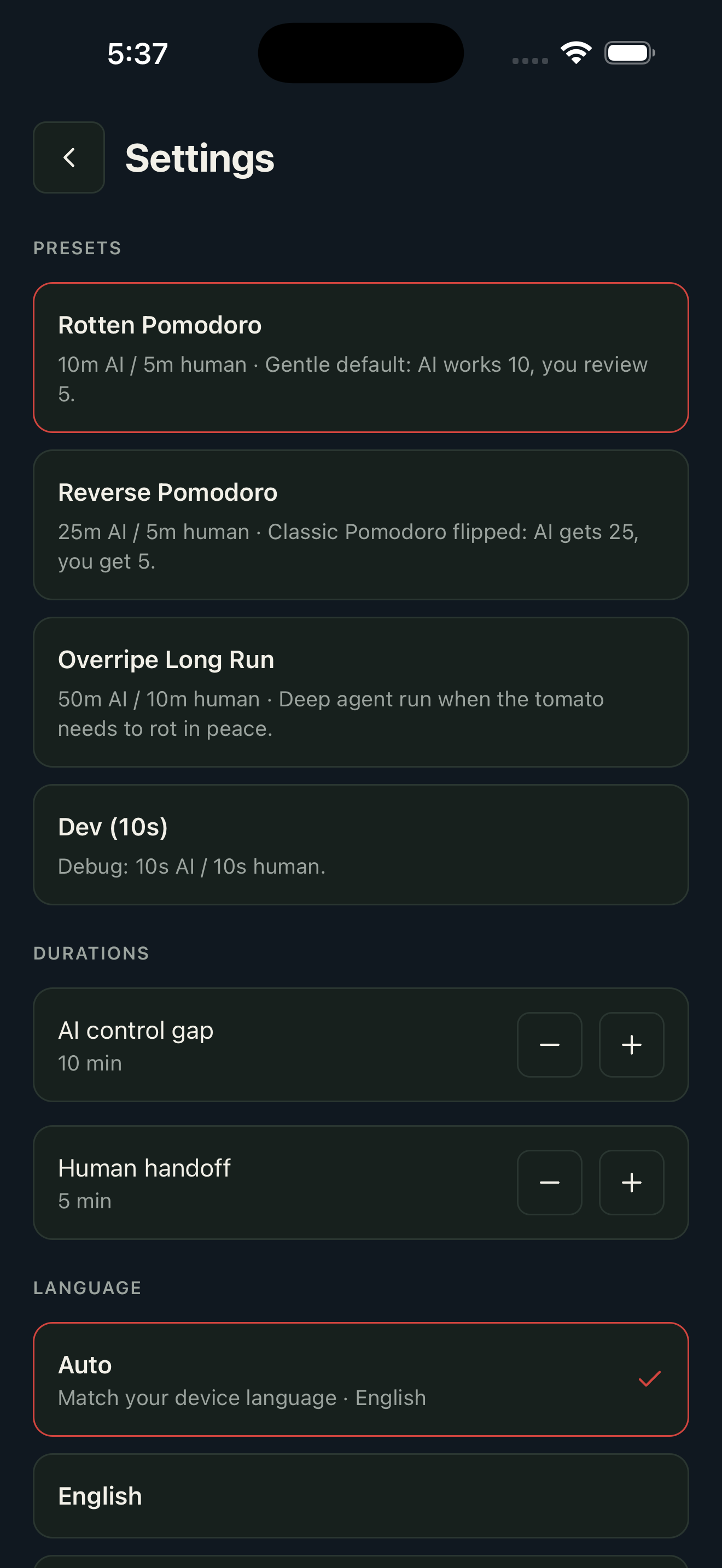
Three presets or custom
Pick a vibe, or tune your own.
Private by design
No account. No cloud. No tracking.
About
Ropomo (Rotten Pomodoro) is the inverted Pomodoro for vibe coders — the people babysitting Claude Code, Codex, and Cursor all day. Classic Pomodoro maximizes the time you stare at the screen — but when Claude Code, Codex, or Cursor is doing the work, staring is the problem. Ropomo flips it: the agent gets the long work block, you get a short handoff window. Give the agent a command, start a tomato, swipe the app away — and an alarm-style notification pulls you back exactly when a human is needed. While you're away, park ideas in the Prompts tab and check them off later. Private by design: no account, no cloud, no tracking — everything lives in a local database on your device. iPhone + desktop tray app.
Topics
Maker's first comment
Links
Submission notes · not shown on Product Hunt
Ropomo Maker · just now
Hi Product Hunt 👋 I kept catching myself babysitting AI agents — firing off Claude Code, then staring at a log I couldn't speed up. So I built Ropomo (short for Rotten Pomodoro): the Pomodoro, inverted. The agent gets the long block. You get a short, deliberate handoff window. Start the tomato, swipe the app away, and an alarm-style notification (the kind you have to dismiss) pulls you back when a human is actually needed. While you're away, the Prompts tab lets you park a quick thought — type or dictate — and check it off once you've acted on it back at your desk. It even tracks "overripe" time: every minute you relapse into hovering, so you can train the gap longer. Two tabs, nothing more. Fully on-device — no account, no cloud, no tracking. iPhone, plus a desktop tray app. Would love your feedback on the AI/human ratios that work for your workflow!